


Word Game Classic
4.8293.00 Reviews
App Specs
- Version
- 0.14.2
- Updated On
- License
- Free
- Downloads
- 500,000+
- Developer
- IsCool Entertainment
- Categories
- Word
- Platform
- Android, iOS
Screenshots
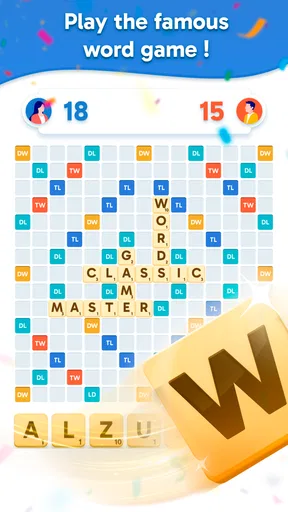
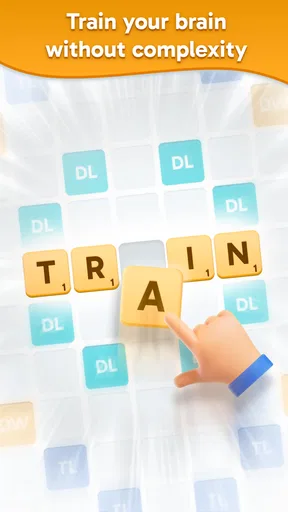
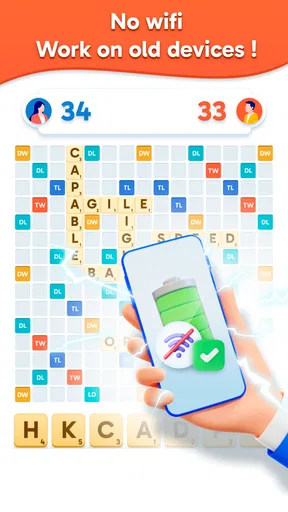
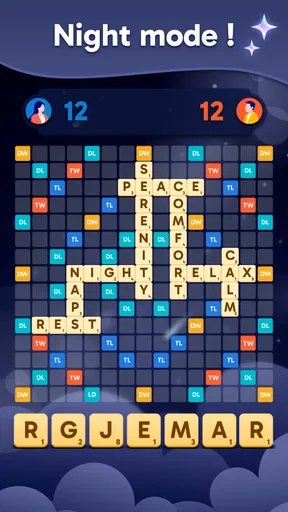
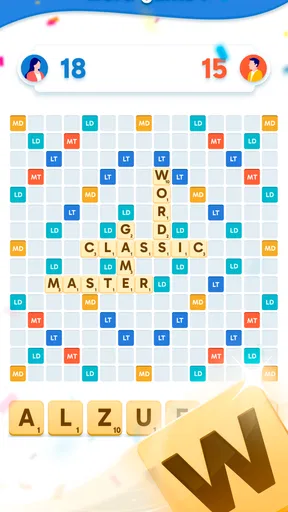
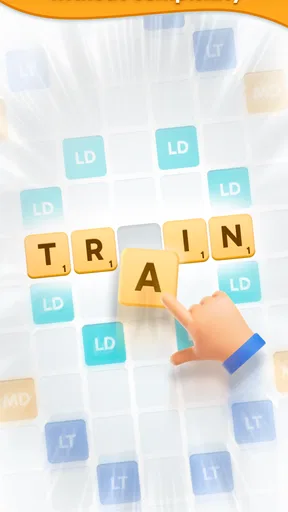
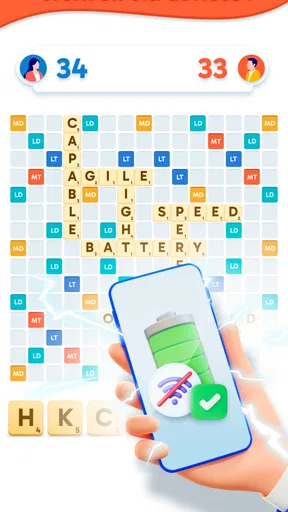
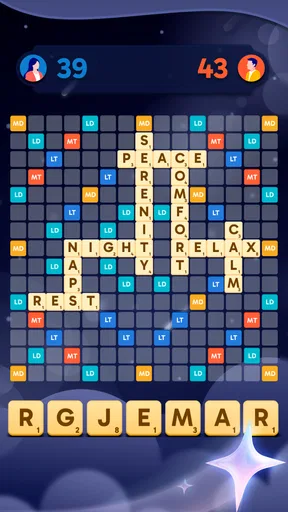
 Analysis by AppCompare
Hey there, puzzle lovers! If you’re anything like me, you probably love a good word game to keep your brain sharp and entertained. That’s why I couldn’t wait to dive into Word Game Classic, a word game from IsCool Entertainment. It’s free to play, rated for Everyone, and suits anyone who wants a familiar letter puzzle for a short break. I found it most appealing when I wanted a little concentration without committing to a long session, though a few practical checks can make the experience smoother.
Where players can get stuck
The first thing to keep in mind is that word puzzles can feel very different depending on what you expect from them. If you are used to crosswords, you may look for clues that point toward a particular answer. If you usually play word searches, you may expect to spot complete words already laid out on a grid. Here, the central task is finding words from a jumble of letters, so progress depends on trying combinations and recognizing what the available letters can make. That simple difference can make the opening feel slower than expected, especially if you arrive looking for a more guided puzzle.
I would also separate a moment of difficulty from a problem with the game. A word that seems obvious may not come to mind when you are staring at the same letters, and repeatedly trying the same combinations rarely helps. I get better results by pausing, reading the letters in a different order, and coming back after a short break. That is a useful approach for casual play: the game is meant to challenge your vocabulary, but you do not have to solve every board in one uninterrupted sitting.
Setup checks before you begin
Before installing, check that your device runs Android 7.0 or later if you are using Android. The game is also available for iOS. It is listed as free, with in-app purchases priced at $8.49 per item, so I would treat any optional purchase as a separate decision rather than something required just to try the game. Its current version is 0.12.0, and the age rating is Everyone, which makes it an accessible pick for family members who enjoy word puzzles.
The game has an average rating of 4.8 from around 8,300 ratings, and it has more than 100,000 installs. I take those figures as useful context, not a promise that every player will like its particular style. IsCool Entertainment is the developer, and the game’s appeal is straightforward: it focuses on word-solving rather than elaborate presentation. If you are choosing it for a child or sharing a device, it is still sensible to look over the purchase controls on that device before handing it over, as you would with any game that offers paid items.
A helpful first-session habit is to try the basic puzzle flow before deciding whether hints or other options matter to you. That gives you a feel for the pace and for how often you personally get stuck. If you are playing in a noisy place, take a moment to adjust your device’s sound to your preference; if you prefer silence, the game can still be approached as a visual word puzzle. I would not buy anything simply because one difficult level interrupts an otherwise enjoyable session.
Playing comfortably and recovering your flow
When I first launched Word Game Classic, I was greeted by a sleek and simple interface. It’s clear the developers wanted to keep things straightforward, so you can focus on the main event: the puzzles themselves. The app doesn’t bombard you with ads or unnecessary pop-ups, which is always a plus in my book. It’s like opening a book and diving right into the story without any distractions.
Worth Reading Before You Choose

EA SPORTS FC Mobile 26 Is a Bigger Football Game, but It Takes Time

Flipboard Shows What News Apps Must Do Beyond the Feed

Switching to Android Auto Means Rethinking Your Driving Routine

Google Calendar Makes a Crowded Week Easier to Manage

Ludo King Makes the Most of the Minutes Between Plans

Baby Panda World Brings Quick Play to Modern Phones, but Its Game Library Feels Busy
The Gameplay
The core of Word Game Classic is all about finding words from a jumble of letters. Sounds easy, right? Well, think again! The game ramps up in difficulty as you progress, making it both engaging and addictive. You start with shorter words and, as you master each level, the complexity and length of the words increase.
One of the features I really enjoyed is the hint system. You can earn hints by completing levels or, if you’re stuck, you can purchase them. It’s a nice balance that doesn’t feel too pushy about in-app purchases. The game respects your pace and gives you options to move forward without feeling pressured.
My practical advice is to keep hints for genuine dead ends rather than spending one as soon as a puzzle slows down. First, try grouping the letters mentally by possible beginnings or endings, then switch to a fresh attempt after a pause. This is not a guaranteed shortcut; it is simply a way to avoid using a hint on a word you might notice with a little distance. If you do choose to purchase an item, remember that paid help changes the convenience of a session, not the kind of word puzzle the game is built around.
Features That Stand Out
What sets Word Game Classic apart is its variety of modes. You’ve got the classic mode, which is perfect for those quiet moments, and then there’s the timed mode if you’re looking for a bit of a rush. Each mode offers a different kind of challenge, keeping the gameplay fresh and exciting.
Another feature I appreciated is the daily challenges. These are a great way to keep you coming back for more. Each day, you face a new puzzle that lets you earn extra rewards. It’s like a little daily brain workout that keeps you sharp!
Those options give the game a useful split in mood: a relaxed puzzle when you have time to think, or a timed round when you want pressure and a clear endpoint. I would choose the mode based on the setting rather than assuming one is always better. For example, a timed challenge is a poor fit if you are likely to be interrupted, while classic play makes more sense when you want to solve at your own pace. Daily puzzles work well as a small routine, but they are not a reason to force a session on a day when you would rather play something else.
Design and Sound
The design of the app is clean and minimalistic, which helps you focus on the game itself. The colors are easy on the eyes, and the layout is intuitive. I never felt lost or confused about where to go next.
As for the sound, the background music is soothing and not intrusive. It’s the kind of soundtrack that you can easily tune out if you prefer to play in silence or while listening to your own music. The sound effects are subtle, providing just enough feedback to enhance the gameplay without being overwhelming.
A practical way to fit it into your day
Imagine having ten quiet minutes before an appointment. I would use the classic mode for a few letter puzzles, stop when it is time to leave, and save the more pressured timed play for a moment when I can concentrate without watching the clock. On a commute, the same short-session quality can be useful if you have a seat and can focus; if you are walking or need to watch your surroundings, put the phone away rather than trying to solve a puzzle on the move.
For a family setting, it can be fun to take turns suggesting words from the same jumble, even if the game itself is being played by one person. That turns a solo word task into a shared little challenge without needing a complicated setup. The trade-off is that players with very different vocabularies may not find the same puzzles equally easy, so I would keep it friendly and avoid turning a casual round into a test of who knows the most words.
How it compares with other word games
Compared with a crossword, this is a better choice when you want to focus on letter combinations rather than solve clues that depend on general knowledge. Compared with a word search, it asks you to make words from a jumble instead of scanning a grid for words that are already present. Those distinctions matter more than flashy extras: if you enjoy the satisfaction of spotting combinations and improving through repeated play, the format has a clear appeal. If you want story, broad trivia, or a large visual board to explore, a different word game may suit you better.
The timed option also gives it a different feel from a purely relaxed puzzle app. It can add urgency for players who enjoy working quickly, but it may frustrate anyone who wants to think without a clock influencing the experience. I would not recommend choosing this solely because you want an intense competitive challenge; its strongest fit is a familiar word puzzle that can be approached casually, with a faster option when you are in the mood.
When a problem may be outside the puzzle
If a session is interrupted or the game does not behave as expected, I would start with ordinary checks rather than assuming the puzzle itself is at fault. Confirm that the device has a stable connection if an online action appears to stall, close and reopen the game, and check that the device has not run out of available storage. If the issue continues, restarting the device and checking whether the game has an available update are reasonable next steps. These are general troubleshooting habits, not a guarantee that they will resolve every issue.
If a purchase is involved, take care to distinguish a purchase question from a gameplay question. Review the transaction through the store account used on the device, and avoid repeating a payment attempt simply because the screen seems slow. For a difficult word, by contrast, try a new arrangement of the letters or return later; restarting the device is unlikely to make a vocabulary puzzle easier. Knowing which kind of snag you have can save time and prevent a small frustration from becoming a bigger one.
Who will enjoy it, and who may want another game
I think this is a good fit for people who like an uncomplicated word challenge, enjoy testing possible letter combinations, and want a game that can occupy a brief pause. The different modes let you choose between a calmer pace and a little time pressure, while daily puzzles offer a reason to return without needing to plan a long session. The free entry point also makes it easy to see whether the basic style suits you before considering any optional purchase.
I would steer away from it if you mainly want clue-led crosswords, word searches, a narrative campaign, or a game where every round feels completely different. It may also be less enjoyable if timed play makes you anxious or if you dislike repeating a familiar puzzle format as its difficulty rises. In those cases, another kind of word game is likely a better match, not because this one fails at its purpose, but because the central pleasure here is specifically working through letter jumbles.
Why You Should Try It
So, why should you give Word Game Classic a shot? If you’re a word game aficionado or just someone looking for a fun way to pass the time, this app is a fantastic choice. It offers a balance of challenge and relaxation, making it suitable for players of all skill levels.
Whether you’re on a quick break at work or lounging at home, this game fits perfectly into any schedule. Plus, with its various modes and daily challenges, there's always something new to tackle.
Word Game Classic is a delightful way to keep your mind engaged. It’s a simple yet captivating game that proves you don’t need flashy graphics or complex mechanics to have a great time. So, go ahead, download it and give your brain the workout it deserves!
Pros
- Addictive and engaging word puzzles.
- User-friendly interface for all ages.
- Offers daily challenges for variety.
- Offline mode available for travel.
- Visually appealing graphics and design.
Cons
- Limited hints can be frustrating.
- Occasional ads interrupt gameplay.
- In-app purchases for extra features.
- Some puzzles may repeat over time.
- No multiplayer or social features.
FAQs for Word Game Classic
What is Word Game Classic and how does it work?
Word Game Classic is a puzzle game designed to challenge your vocabulary and problem-solving skills. Players are tasked with forming words from a random assortment of letters. The game offers various levels, each with increasing difficulty, and includes hints to assist players when they are stuck. It’s perfect for language enthusiasts and those who love word challenges.
Is Word Game Classic available for both Android and iOS?
Yes, Word Game Classic is available on both Android and iOS platforms. You can download it from the Google Play Store for Android devices and the Apple App Store for iOS devices. Ensure your device meets the app’s compatibility requirements for a smooth gaming experience.
Does Word Game Classic require an internet connection to play?
No, Word Game Classic can be played offline. This makes it an excellent choice for those who want to enjoy the game without worrying about data usage or connectivity issues. However, certain features, like updates and leaderboards, may require an internet connection.
Are there in-app purchases in Word Game Classic?
Yes, Word Game Classic offers in-app purchases. These purchases can enhance your gameplay by providing extra hints or unlocking additional levels. While the game is free to download and play, these optional purchases can provide a more enriched experience for avid players.
Is Word Game Classic suitable for all age groups?
Word Game Classic is designed to be family-friendly, making it suitable for players of all ages. Its simple interface and progressive difficulty levels ensure that both younger players and adults can enjoy and benefit from the game. Parental guidance is recommended for very young children to help them understand game mechanics.


